Chapter 2: Installing Blender on your computer
Before starting your 3D journey, you need to download Blender, a completely free, open-source program for 3D modeling.
Here are some instructions for those who might need help with downloading.
Navigate to this page and click on the download button.
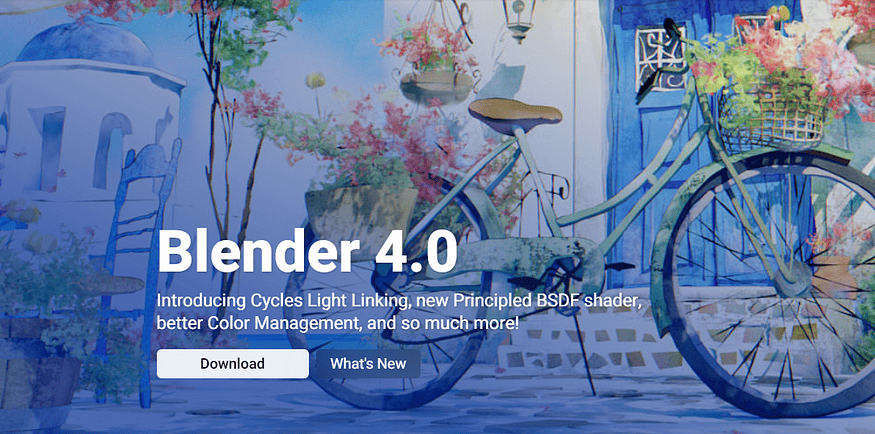
Screenshot from the page
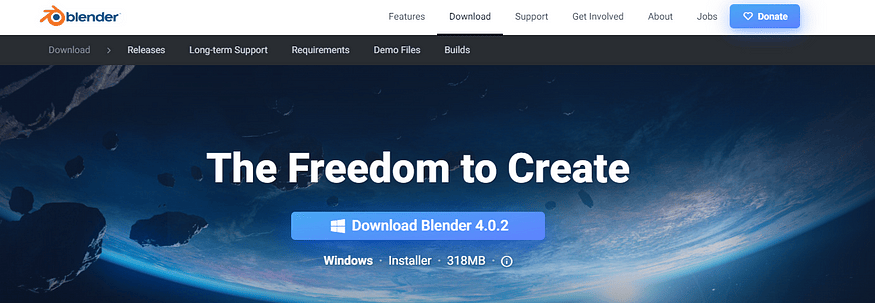
Screenshot from the page
Download Blender 4.0.2.
Here, you will always find the latest stable versions, which I always download.
After you download it and open the file, you will see this window.
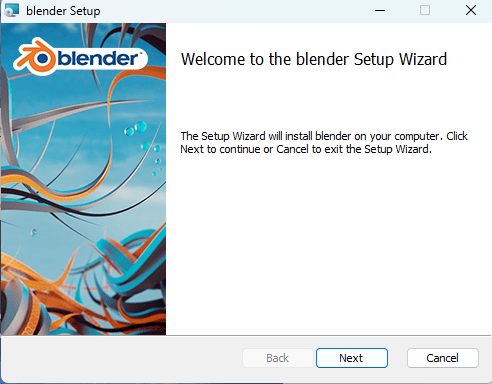
Here, click “Next,“ and the following page will appear.

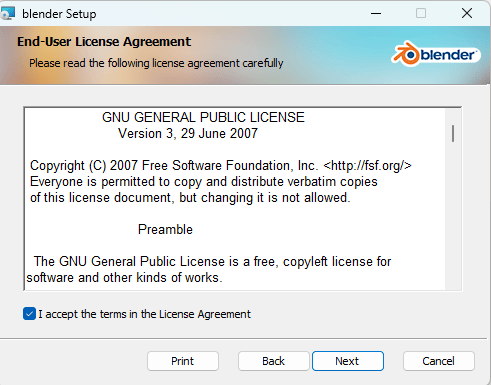
Check the “I accept the terms…“ box and click “Next.
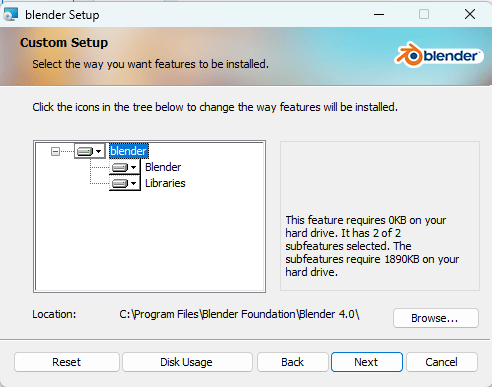
Click “Next” if you want to install Blender in the location where it is written, or browse to choose another location.
After that, click “Next.
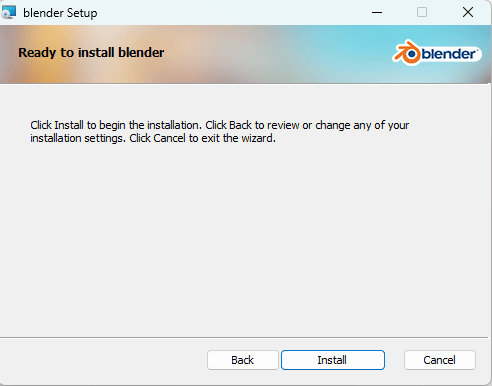
That is it! Now that you have Blender installed, we can start your 3D modeling journey!Let’s go!